The seventh edition of the Anthology ASEAN ArchitectureArchitectureThe art and science of designing and constructing buildings, structures, and spaces that are functional, safe, and aesthetically pleasing. It encompasses the planning, design, materials, and techniques used to createGo to Architecture Glossary Festival brought together over 4,000 delegates from across the Philippines and Southeast Asia for three […]

Clever Ways to Manage and Hide Wires and Cables


In today’s digital age, technology has seamlessly woven itself into the fabric of our homes. From smart TVs and home assistants to sound systems and gaming consoles, electronic gadgets now fill our living spaces. While these devices enhance our lives, the tangle of cords that accompany them can quickly transform a once-inviting room into a chaotic mess. This guide offers clever solutions to hiding wires and cables for a home free of tech clutter.
Tuck Cables and Wires Using Ties, Clips, and Sleeves
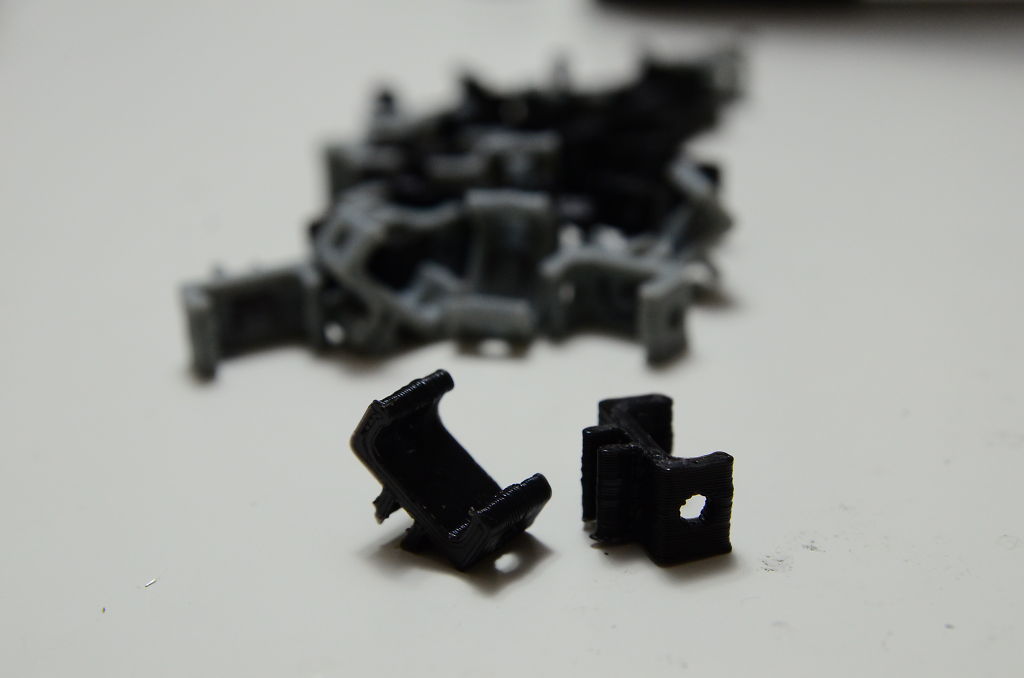
This solution involves routing cables and wires behind electronic devices to conceal them from view. This reduces clutter and the risk of tripping over exposed cords while still allowing easy access when needed. It also prevents you from accidentally unplugging your devices and makes cleaning around them more convenient.
For smaller devices with shorter wires, bundle similar cords and wires together first and use cable ties to fasten them. Make sure the ties are tight but not overly restrictive to avoid damage.
As for longer wires or larger devices, choose cable sleeves, which are hollow plastic or fabric tubes. Select a sleeve slightly larger than the cable bundle to allow for easy insertion. Use cable ties or tape to close the ends of the sleeve and prevent the cords from slipping out.
To further manage your cables, attach the cable clips to the wall or on the back of the desk or cabinet if it has a back panel or open space. Opt for adhesive clips for a temporary solution, but you can also use nail-in cable clips so you can drill them in securely. Afterwards, route the sleeved or tied cables behind your device or along the wall then clip them into the cable clips.
Invest in Cable Management Boxes
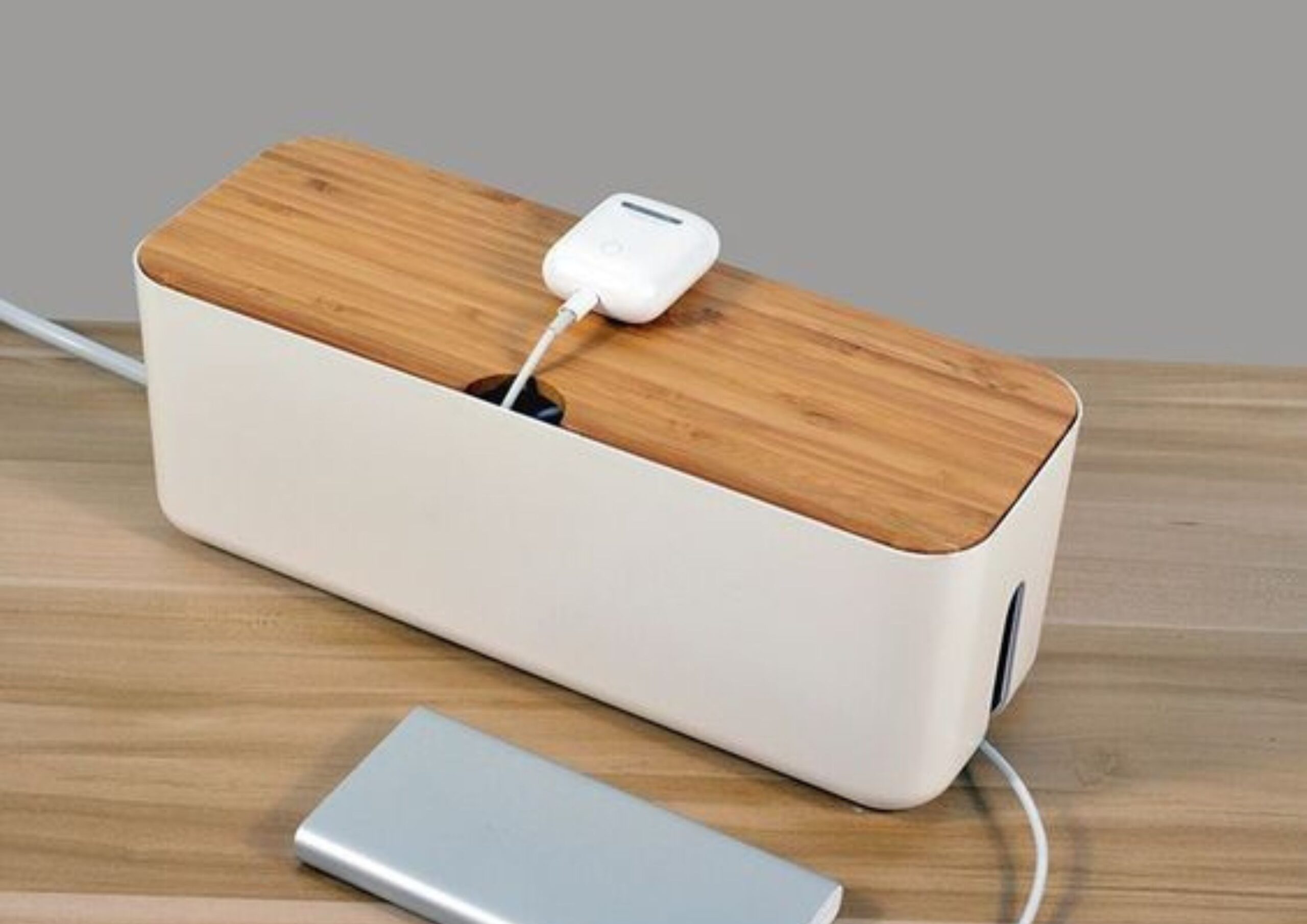
Cable management boxes are versatile containers for corralling the chaos of cords, power strips, and other tech accessories. With their built-in compartments and side slits, these centralize your tech mess into a single, contained space to avoid spreading out or acquiring damage. Their lid can also contain potential fire hazards by keeping power strips and their associated heat away from flammable materials.
This is specifically ideal if there are multiple cables and electronic devices. Home theater systems, gaming setups, computer workstations, workspaces, and dedicated charging stations can benefit from this centralized cable management solution.
They can be plastic, wood, or metal and are available in various sizes and colors to fit your home’s overall aesthetic. Better to consider the number of devices you have and their cable length when selecting the box’s size. Ensure that the box is in a discreet location like under the desk or behind the device itself to avoid heavy foot traffic.
Use Furniture
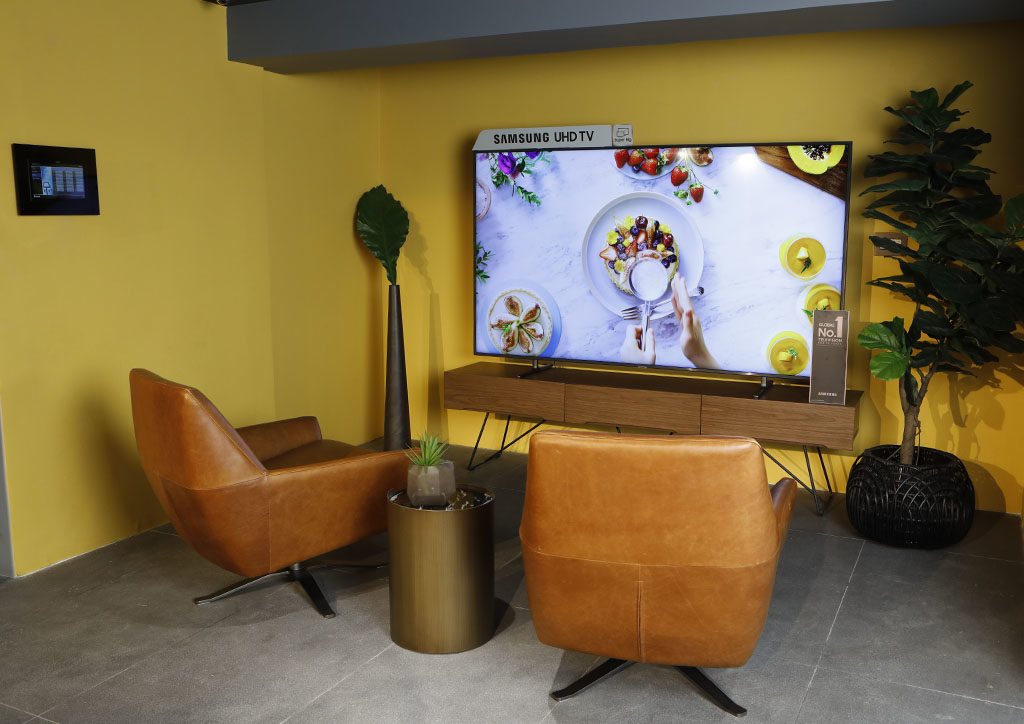
Some modern furniture already incorporates features that streamline cable management. These pieces are thoughtfully crafted with compartments, channels, and cutouts to fit different electronic devices and their cords.
Media consoles, as the command center of your entertainment system, can house television, gaming consoles, and audio equipment. In addition to cable management, they offer extra storage for remote controls, gaming accessories, and extra cables.
Desks with cable holes or grommets hide cables neatly through the desk down to the floor. This keeps them out of your way while you work or study. Moreover, you can use storage ottomans to keep power strips, remote controls, and other small devices and cables.
Beyond furniture specifically designed for electronic devices, other furniture can also help in hiding wires and cables. Route cables and hide power strips behind bookshelves and wall units, using the items on the shelves as additional concealment. For sofas and couches, attach cable clips to their legs or frame. If your furniture is placed against a wall, has fabric coverings, or doesn’t have visible legs, you can easily conceal cables by running them along the floor.
Install Cable Channels
Cable channels are long, narrow enclosures installed on walls or floors to conceal and protect wires and cords. Typically made of plastic or metal, they have a cover that snaps on so you can directly route the cables through them. Aside from safeguarding wires from damage, these offer a clean, sleek look particularly for wall-mounted devices.
If your TV, soundbar, streaming device, or Wi-For router is mounted to the wall, you can use a cable channel to hide the wires going into the outlet. Since these devices are already elevated, this cable management solution can be installed underneath them.
This way, it efficiently uses the wall space and doesn’t disrupt the clean lines of the walls. Additionally, this improves accessibility around the wall-mounted device for cleaning and other activities by preventing cables from dangling or obstructing the floor.
Although commonly attached using nails or screws, adhesive-backed channels allow for a quick and damage-free installation. They also come in different sizes and shapes to accommodate various cable arrangements like single-line or multiple channel routing.
There’s no denying that technology has become an integral part of our modern indoor living today. But don’t let the convenience of these devices overshadow the visual clutter that often accompanies them. Employing these clever solutions to manage and hide wires and cables lets you seamlessly integrate technology into your home while maintaining a cleaner, safer, and more efficient living space.
Read more: Digital Detox: Practical Steps to Regulate Your Tech Habits


Bigkis is the act of binding. In Tagalog, the word can refer to something used to bind or encircle, as well as a bundle formed by tying several separate elements together. Figuratively, it can also mean a bond, union, or unity. The meanings move from the physical act of joining things together to the connection […]
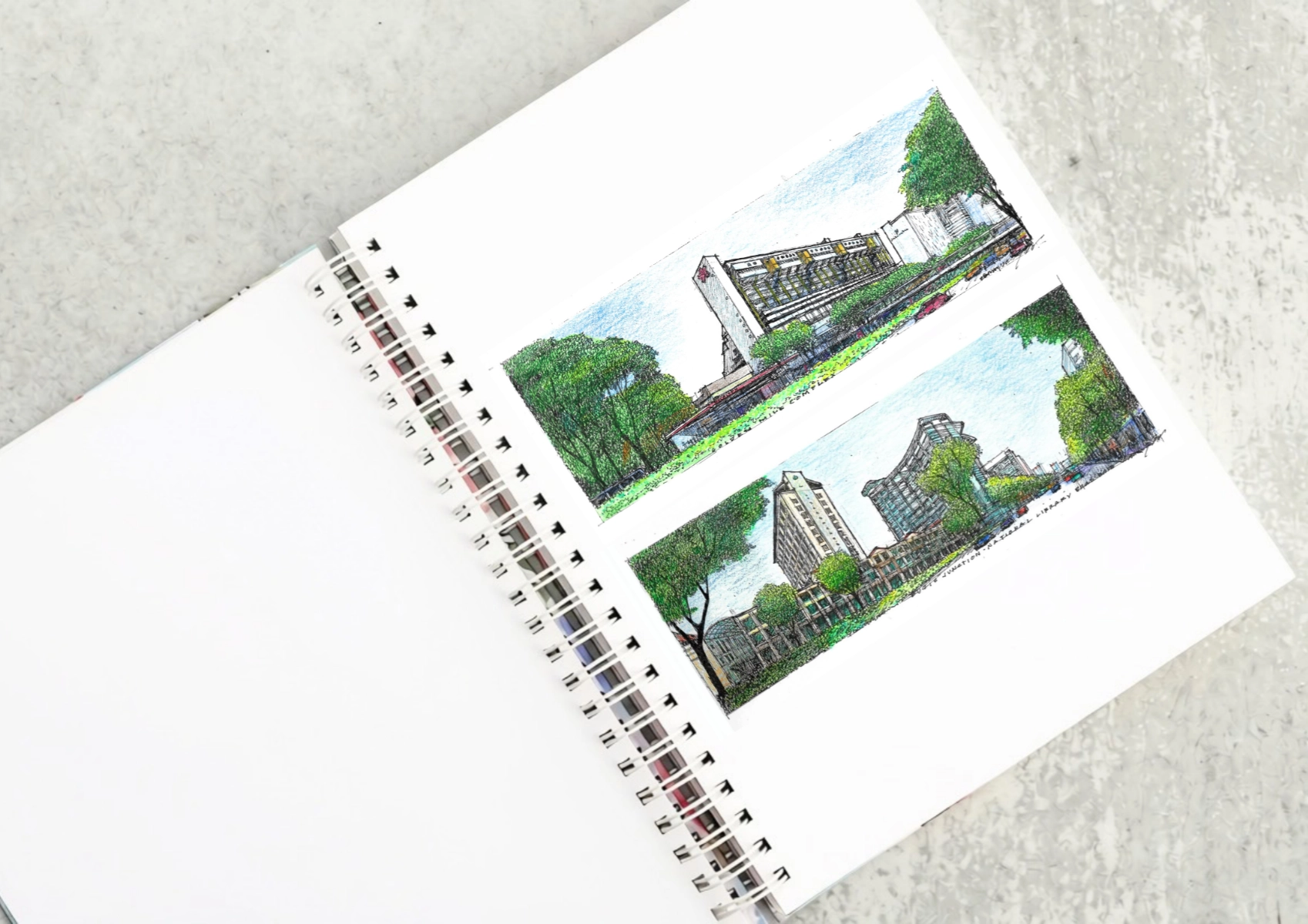
Two sketches of Singapore connect BluPrint Editor in Chief Paulo G. Alcazaren’s personal and professional history with Shared Ground: ArchitectureArchitectureThe art and science of designing and constructing buildings, structures, and spaces that are functional, safe, and aesthetically pleasing. It encompasses the planning, design, materials, and techniques used to createGo to Architecture Glossary of Care, Culture, […]
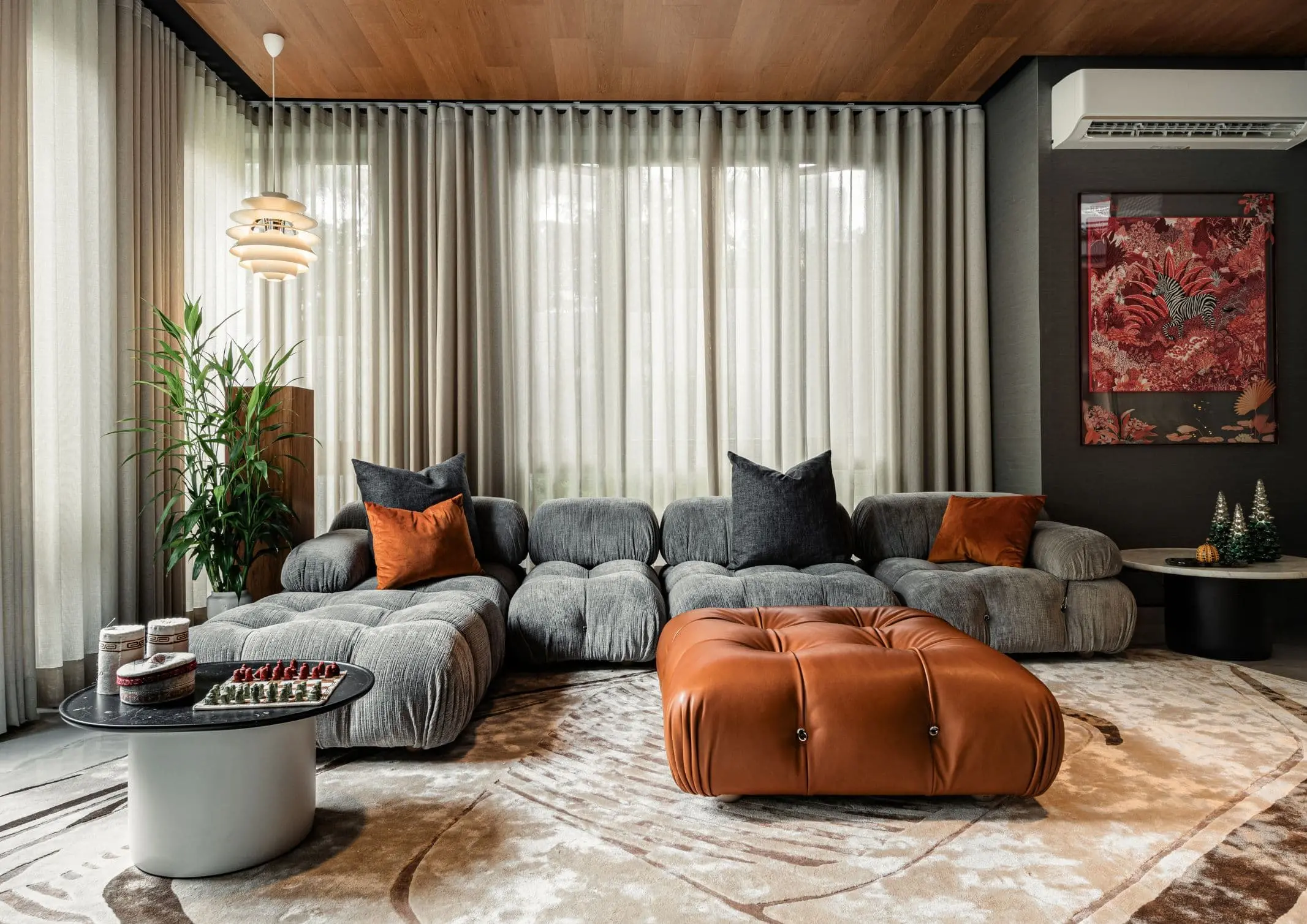
Some have become household names – Coleman, Oster, and KitchenAid – products that have found their way into Filipino kitchens, homes and family routines. In home furnishings, brands such as B&B Italia, Ethan Allen, Sub-Zero, Miele, SieMatic, Louis Poulsen, Hunter Douglas, Tempur, and Technogym, have helped shape the way Filipinos live. From everyday essentials to […]

In a way, designers are the modern-day soothsayers and prophets. They design for the future, predicting how a room, a house, a building or a whole city will be used by people. They foresee how users will interact with a space, conjure exact shades of colors to elicit specific behavior and arrange furniture to build […]
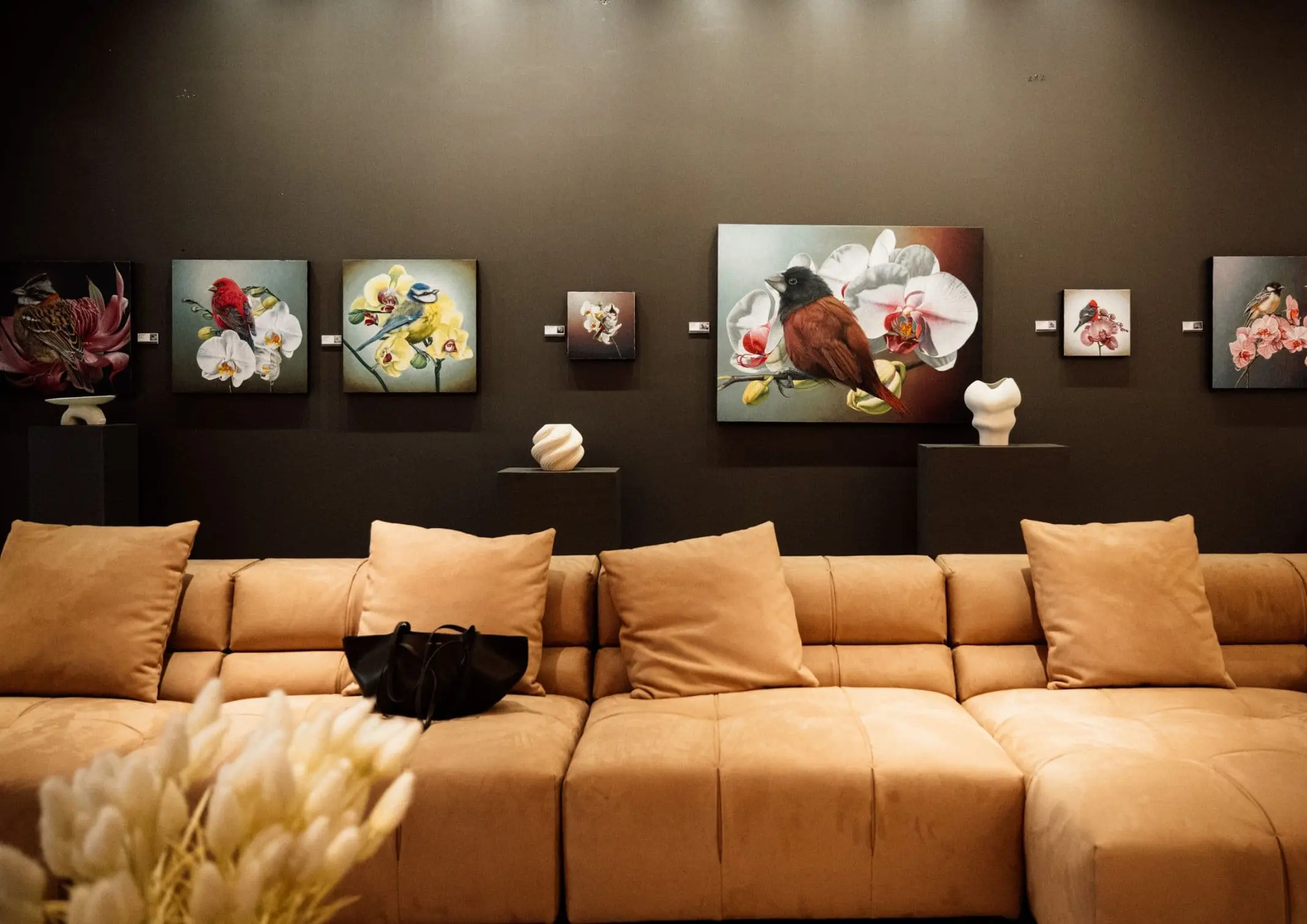
Art and furniture are often selected separately, yet their relationship can shape how a room looks and feels. The collaboration between Hooga and Galerie Joaquin explores how these elements can work together, bringing contemporary artworks into furnished residential settings at Hooga’s showroom in Uptown Mall, Bonifacio Global City. For Hooga, which curates furniture, lighting, and […]
Read the issues.

Collect the volumes.

Recommended Video
Tap to Unmute
Unmute
0:00
0:00